
Diptic for iOS
Diptic, an App Store App of the Week, helps you create and share beautiful photo and video collages. See for yourself why millions of people have downloaded this app!
Diptic, an App Store App of the Week, helps you create and share beautiful photo and video collages. See for yourself why millions of people have downloaded this app!
Image Adjustments
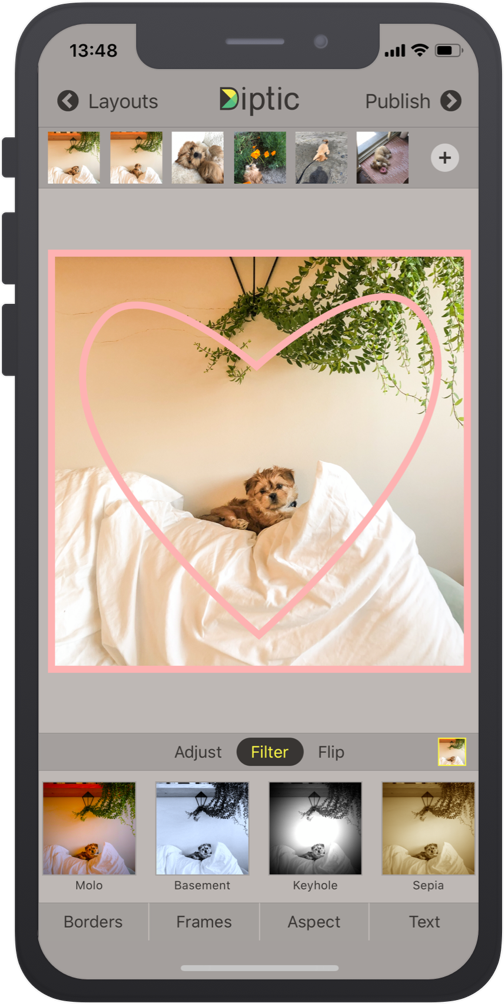
Pick from 15 different filters, as well as adjust brightness, contrast, hue and color, saturation. You can also pan, rotate, mirror, flip and zoom individual photos.
Super Customizable
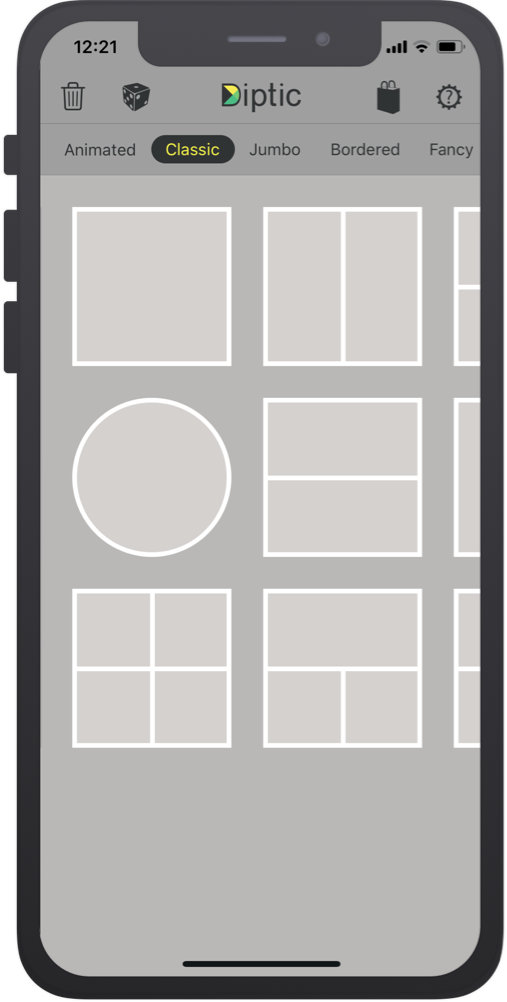
Tons of layouts to choose from plus tons of ways to enhance each one. Save your own customized layouts for re-use.
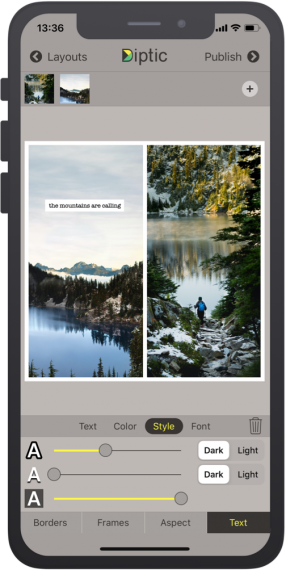
Text Captions
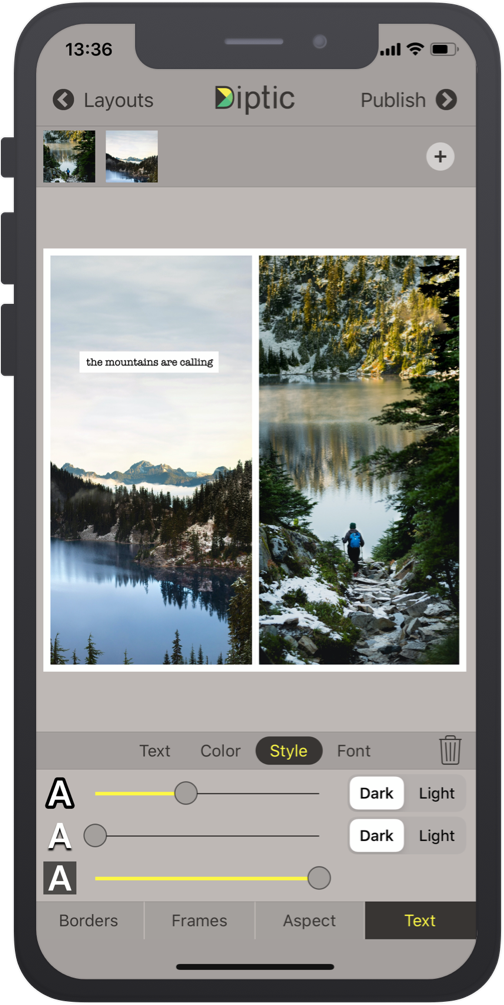
Personalize your Diptic photo and video creations with a text caption, and adjust the font, style, color and size of the text.
Video Adjustments
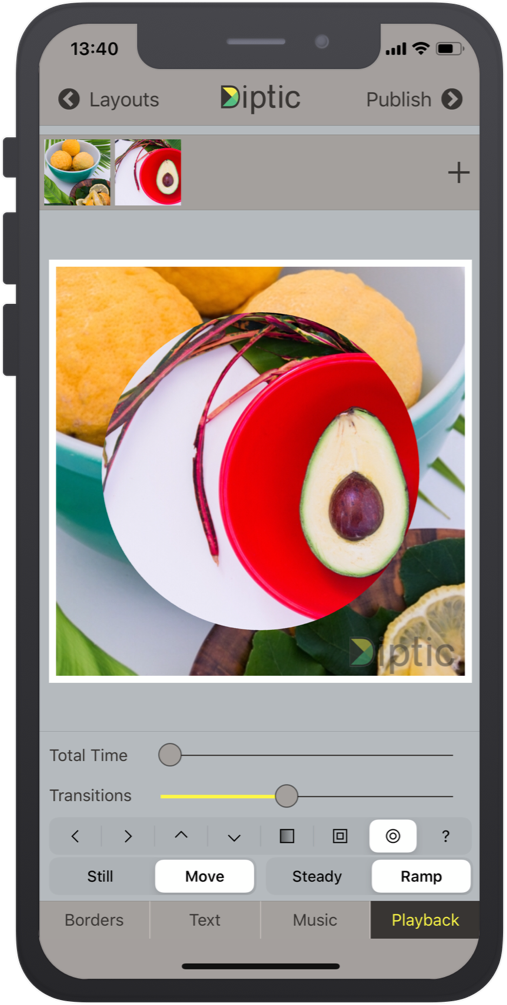
Add music from your personal library to any video collage! You can even customize the audio and video start and stop time separately.
Layouts and Borders
Choose from 194+ layouts, combine up to nine photos and/or videos in each layout, and customize your frames and borders.
Import/Export
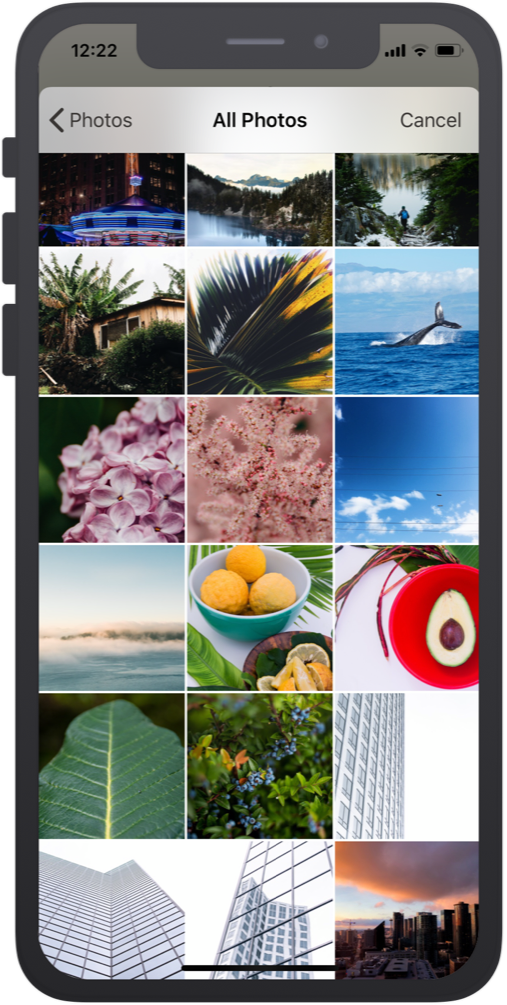
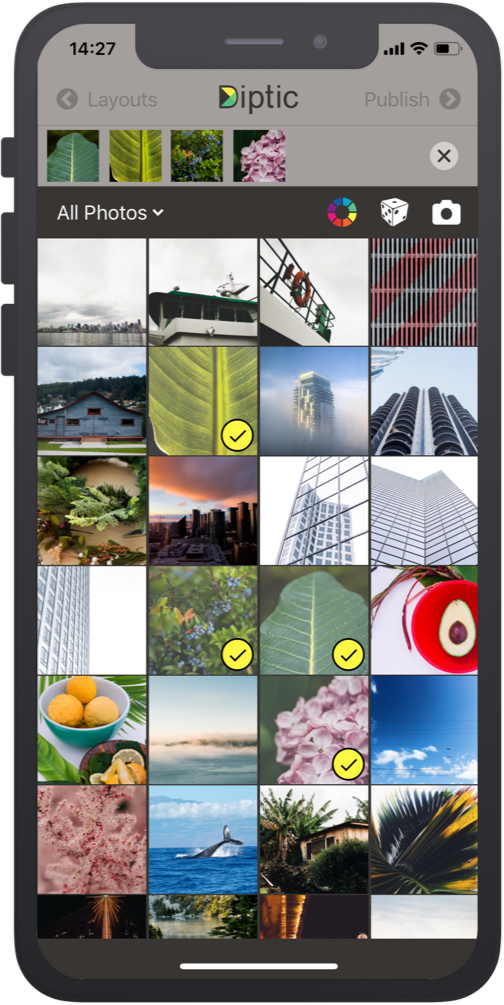
Create Diptics with photos or videos on the spot from your camera or upload from your library, Instagram, Dropbox, Facebook and more. Ready to Publish? Push your Diptic directly to your social media, in a text, send an email, or save to your library.
3M+
Downloads
Quickly and easily combine multiple photos and videos to create a new collage or slideshow.